
Backups and restore
Make a copy of the environment and go back to it when you need.
Step 1
Make a copy
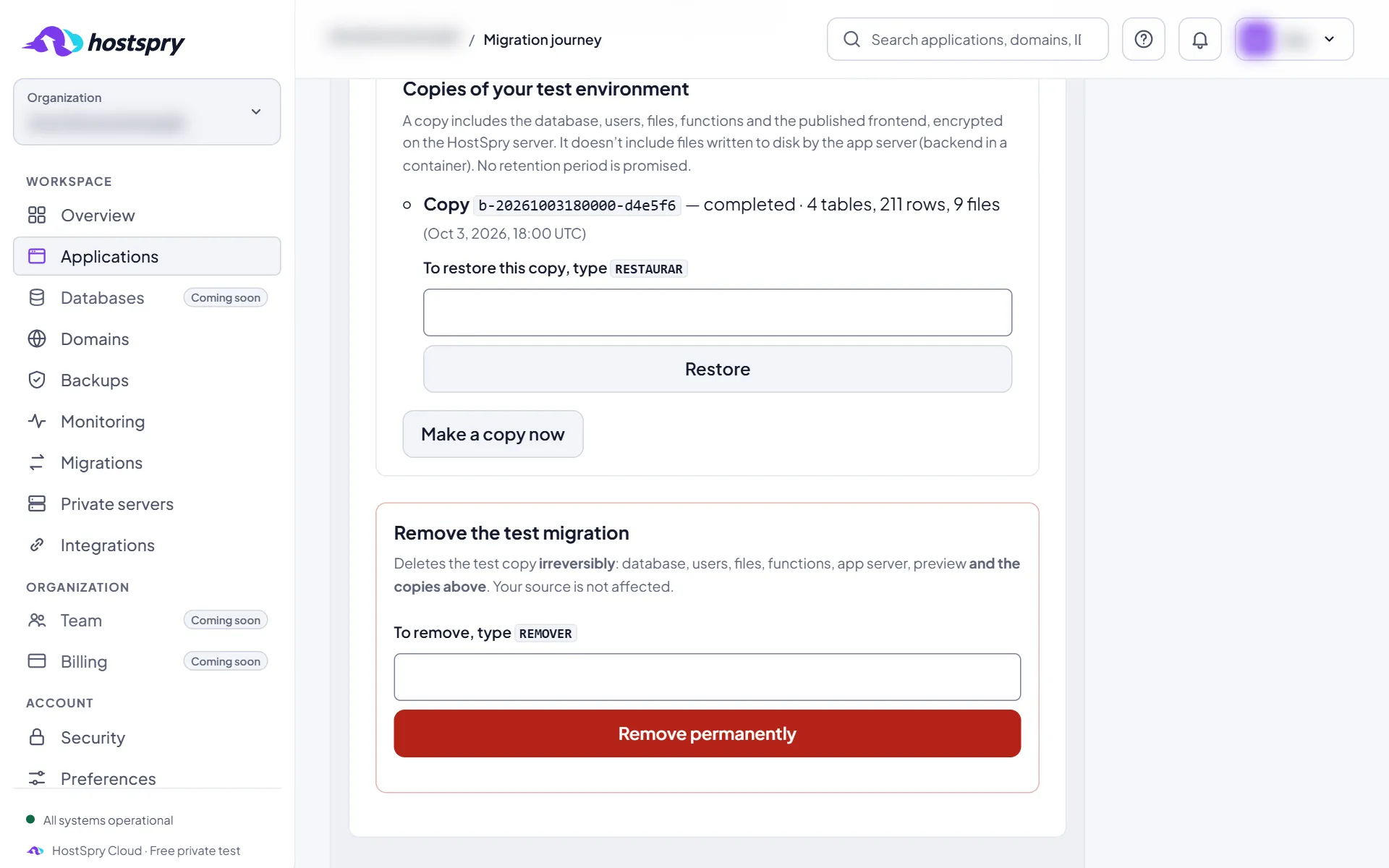
On the Migration tab of the published application, under “Copies of your test environment”, click Make a copy now. The copy keeps the database and the files.
Step 2
Your copies
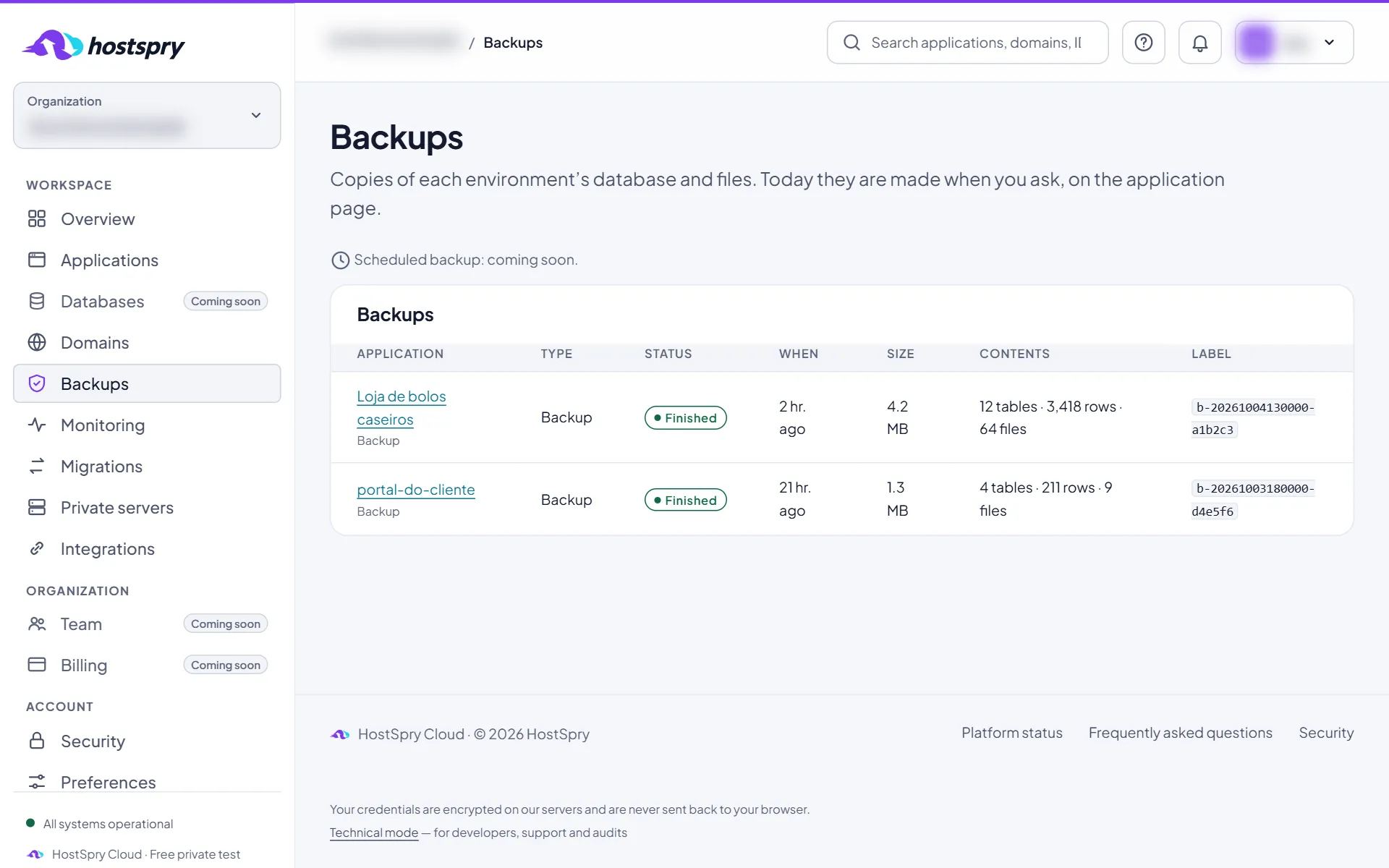
The Backups page lists the copies of all applications, with size and date. A copy is made when you ask; scheduling is coming soon.
Step 3
Restore
To bring the environment back to a copy, type RESTAURAR in its field and click Restore. The environment returns to the state of the copy.
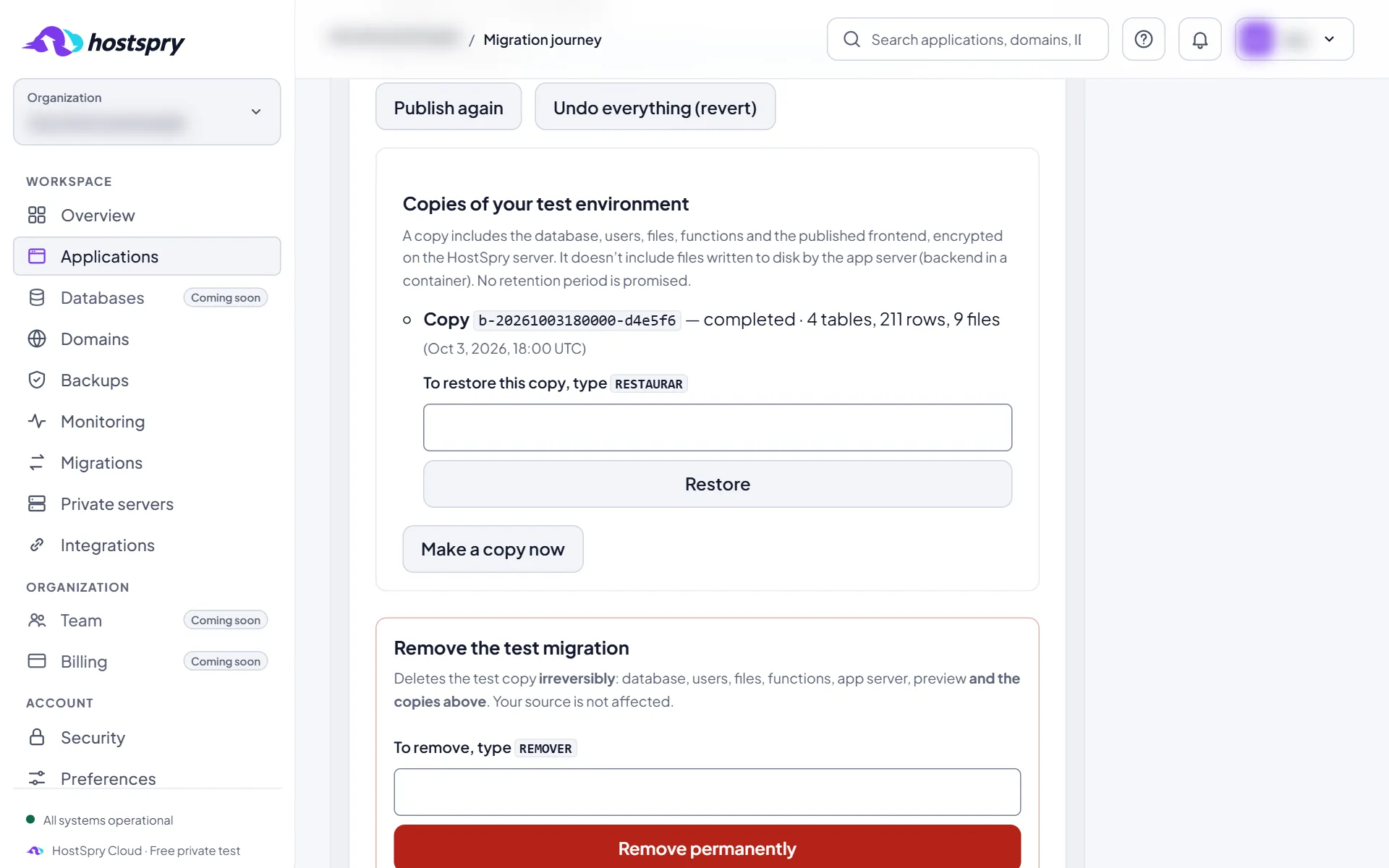
The screens use a demo account; anything that would identify someone is blurred.
Next step
Want to try it with your own app? During the private beta, access is by request.